
Launch with one click
Set up game instances (protocols) combining a base game (Doom, Doom II, Heretic, FreeDoom, etc.), a source port, and your mods, then launch everything with a single click.
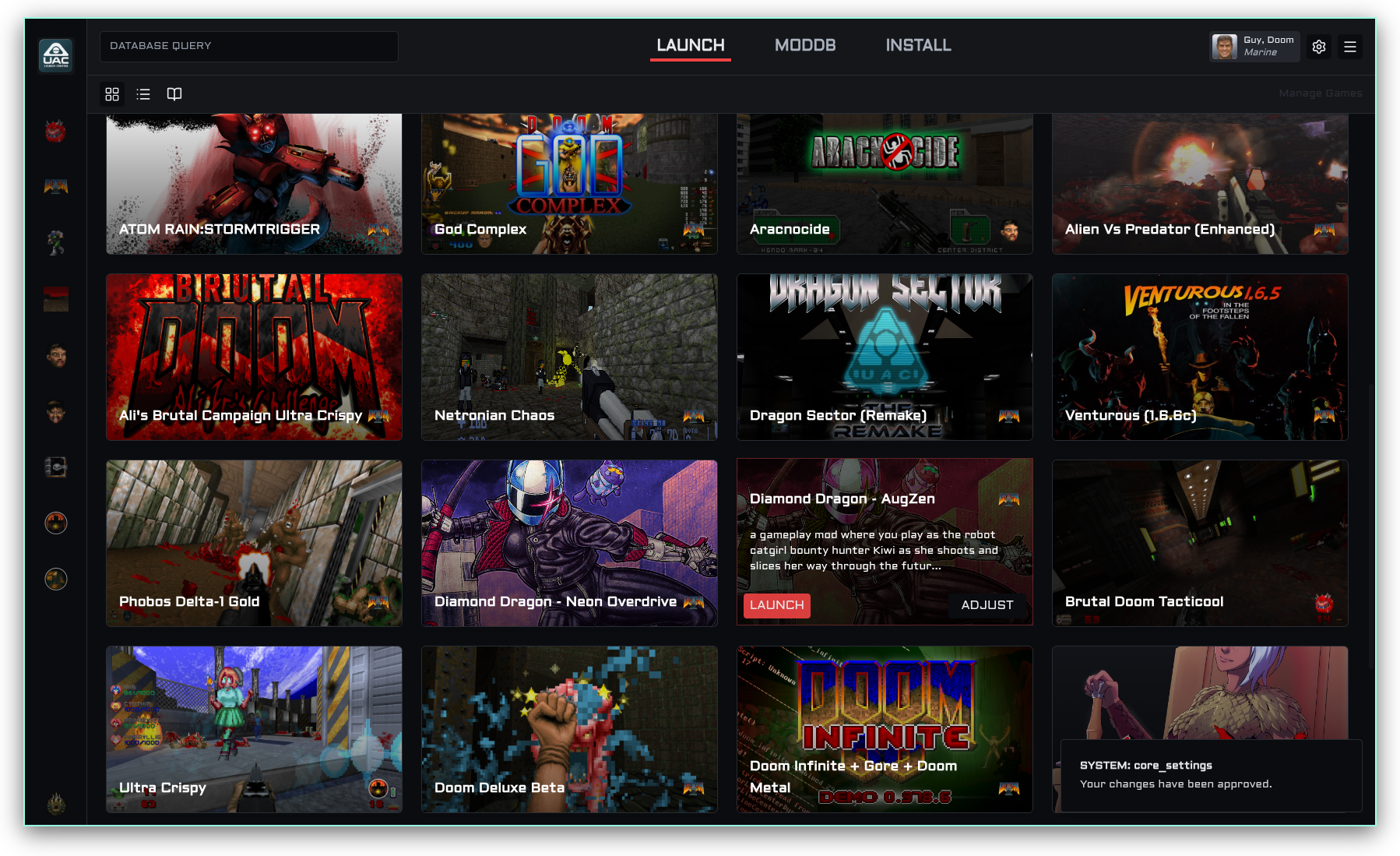
UAC Launch Control is a cross-platform desktop application that lets you manage, configure, and launch modded Doom games with any source port, all from one interface. Think of it as mission control for your Doom mod collection.
No more wrangling batch files, remembering command-line arguments, or manually tracking load orders. Point the app at your source port, import your WADs and mods, and launch with a single click.
Available for Windows, macOS, and Linux.
Launch with one click
Set up game instances (protocols) combining a base game (Doom, Doom II, Heretic, FreeDoom, etc.), a source port, and your mods, then launch everything with a single click.
Manage multiple source ports
Add several engine executables (GZDoom, UZDoom, Zandronum, etc.) and pick which one to use per protocol. Set a default, hide ones you don’t need, or download new ports from inside the app.
Keep a mod catalog
Build a searchable library of your mod files with names, versions, and URLs. Add files via drag-and-drop and set their load order visually.
Import your IWADs
Drop in your WAD files (doom2.wad, freedoom1.wad, heretic.wad, etc.). The app auto-detects known ones and gives each a proper name and icon, or downloads FreeDoom for you.
Community metadata
Opt into the UAC Registry to automatically fetch mod metadata from a community database, or contribute metadata anonymously when you add new files.
Switch up the look
Choose from four visual themes: dark industrial (UAC PHOBOS), bright (MAYKR), terminal green (PLUTONIA TERMINAL), or define your own HSL palette.
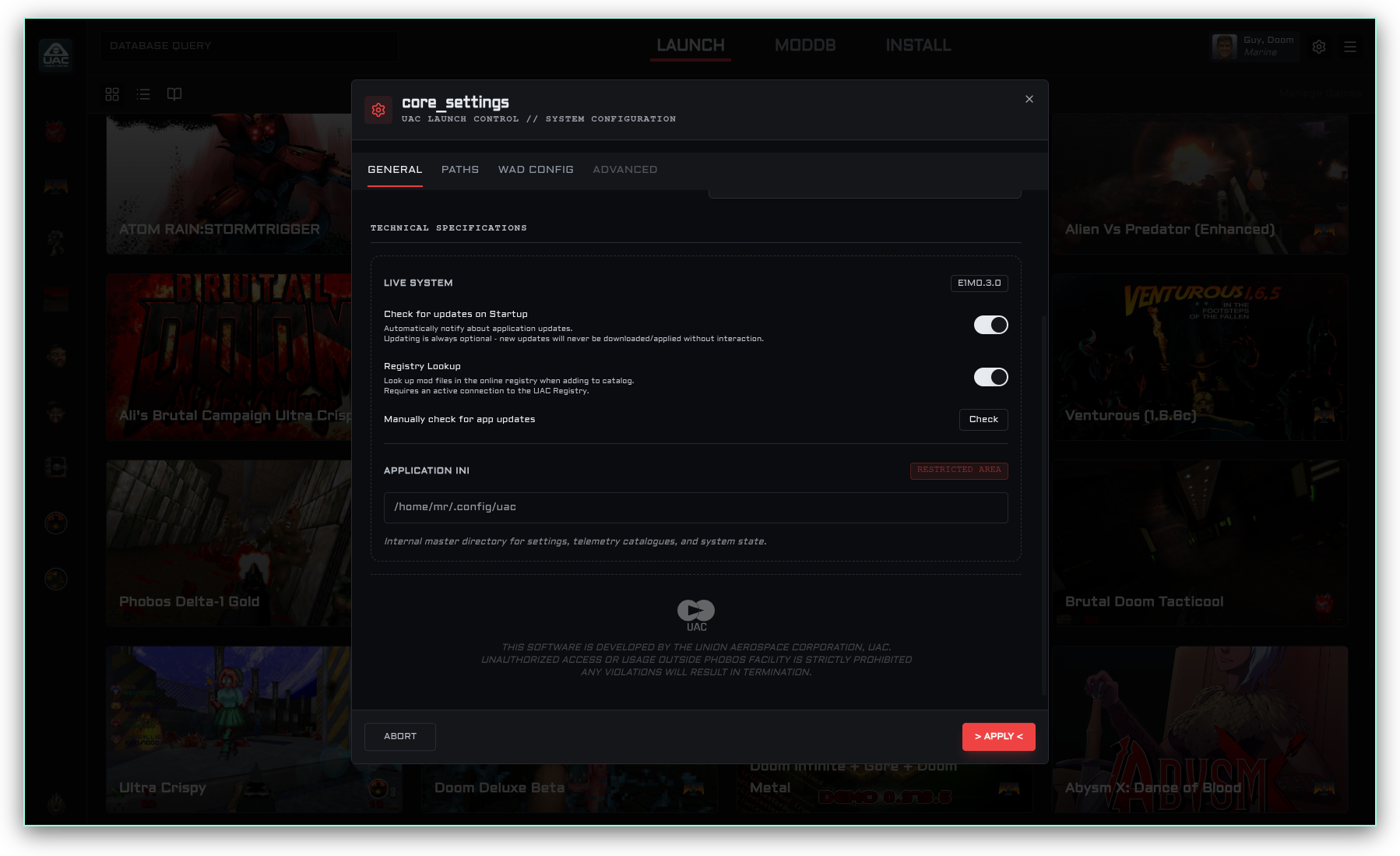
Head over to Getting Started for a full walk-through, or check the sidebar for guides on specific topics like managing source ports, adding mod files, and importing WADs.
Want to contribute or build from source? See the For Developers page for architecture docs, API endpoints, and build instructions.